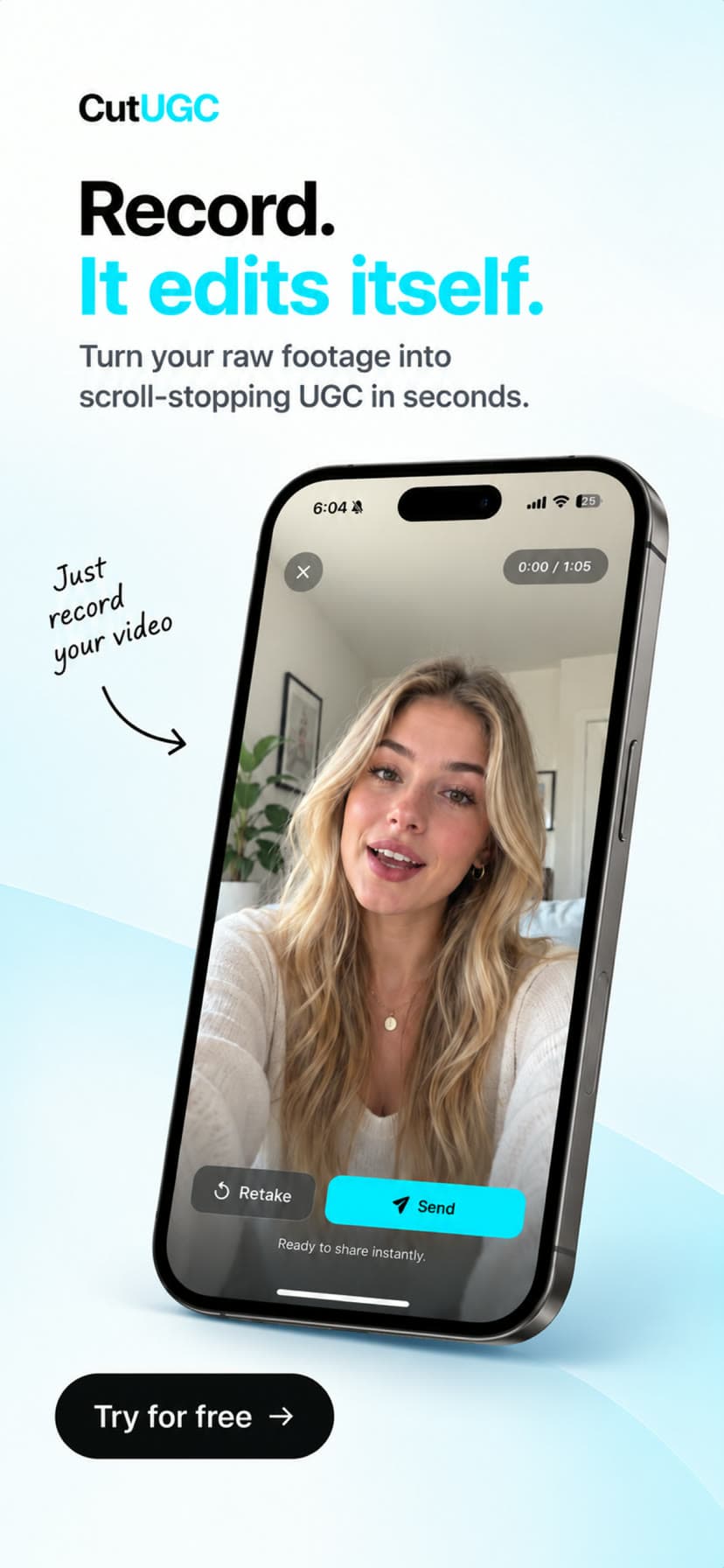
No AI video generation. Your footage, cut properly.

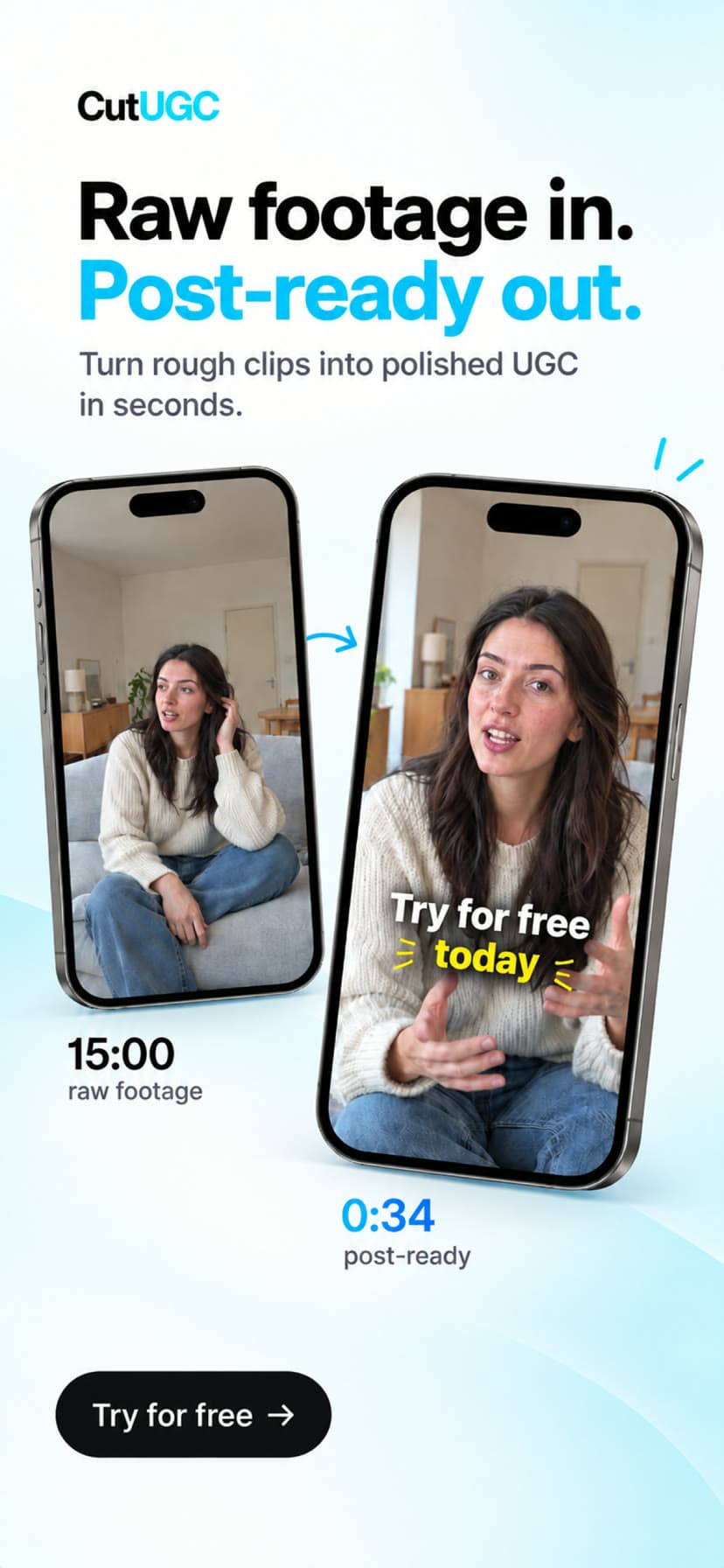
Raw clip in.
UGC-ready cut out.

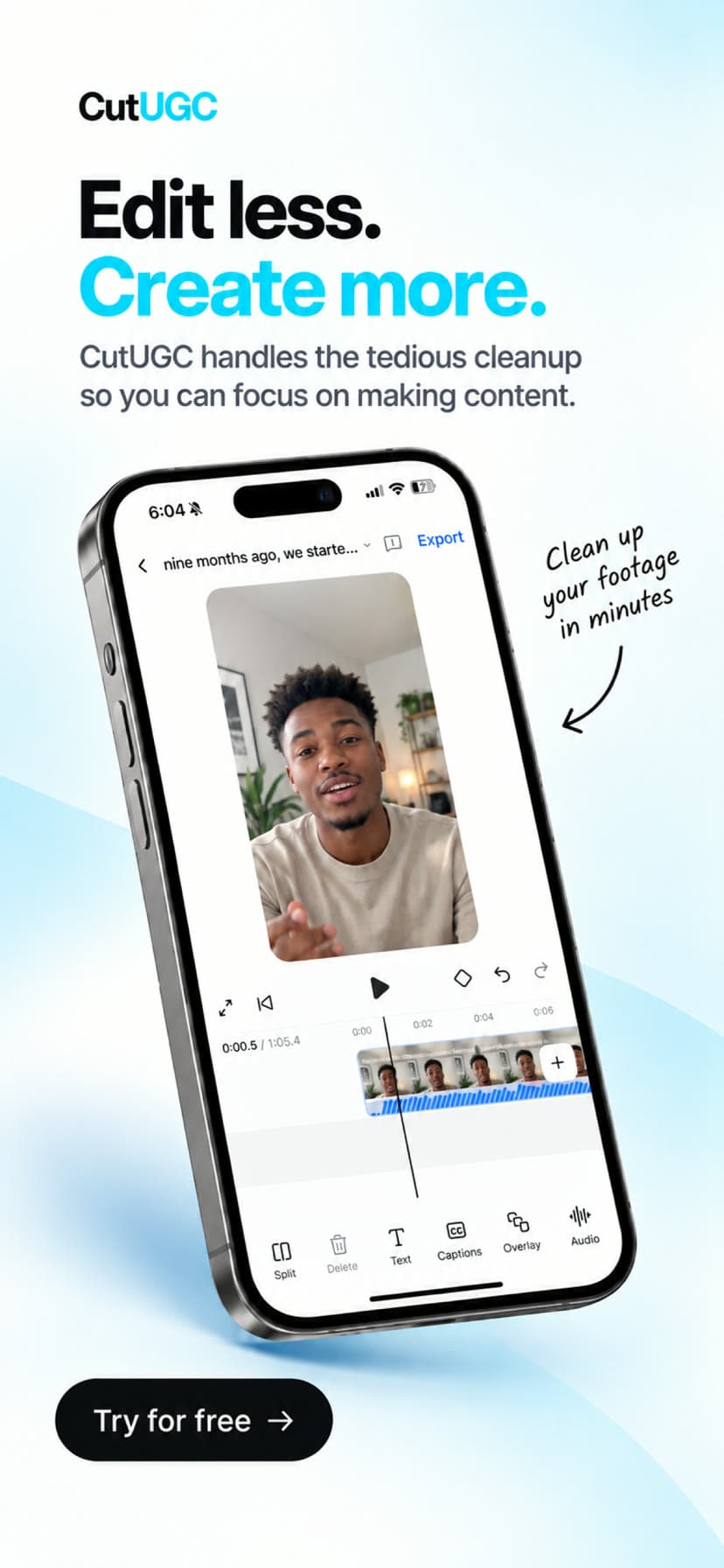
Upload a talking-to-camera clip. Gemini watches and listens to the footage, writes the edit, and ffmpeg renders a vertical short with the hook, the cuts, the punch-ins and the captions. Every decision stays editable.

Cut a clipSee how it works

An editor that decides. A renderer that obeys.

CutUGC splits the job in two. Gemini watches the whole recording, hears the delivery, and gets every word with its timestamp plus measured stats for every repeated take. It returns an edit decision list: which takes stay, in what order, where to crop, where to punch in, what the hook says. ffmpeg executes that list exactly. Nothing is generated, so the person on screen is still the person on screen.

raw-take-0336.0 s in31.4 s out1080×1920
Rendered · 4.7 s
Dead air removed4.6 s
Words captioned112
Model calls1
1Cold open: the result20.1 → 24.0
2Setup, false start cut0.9 → 8.6
3The demo12.4 → 18.2
4Closing line28.0 → 33.9

okay so um this app honestly changed my mornings like I was skipping practice every day and now I do not

Everything a UGC editor does. Nothing a generator does.

Cuts the dead air

Every word carries a start and end time. False starts, fillers and repeated takes are dropped; the strongest line can jump to the front as a cold open. Cuts land between words, never through them.

Crops to 9:16 with intent

Sampled frames tell the model where the speaker and the product are, so each segment carries its own focus point and the vertical crop follows the action instead of the centre of the frame.

Punches in on emphasis

Zoom-ins are placed on the words that carry the delivery, two to four per cut, with a scale and duration you can change. No punch ever lands on a timer.

Captions every word

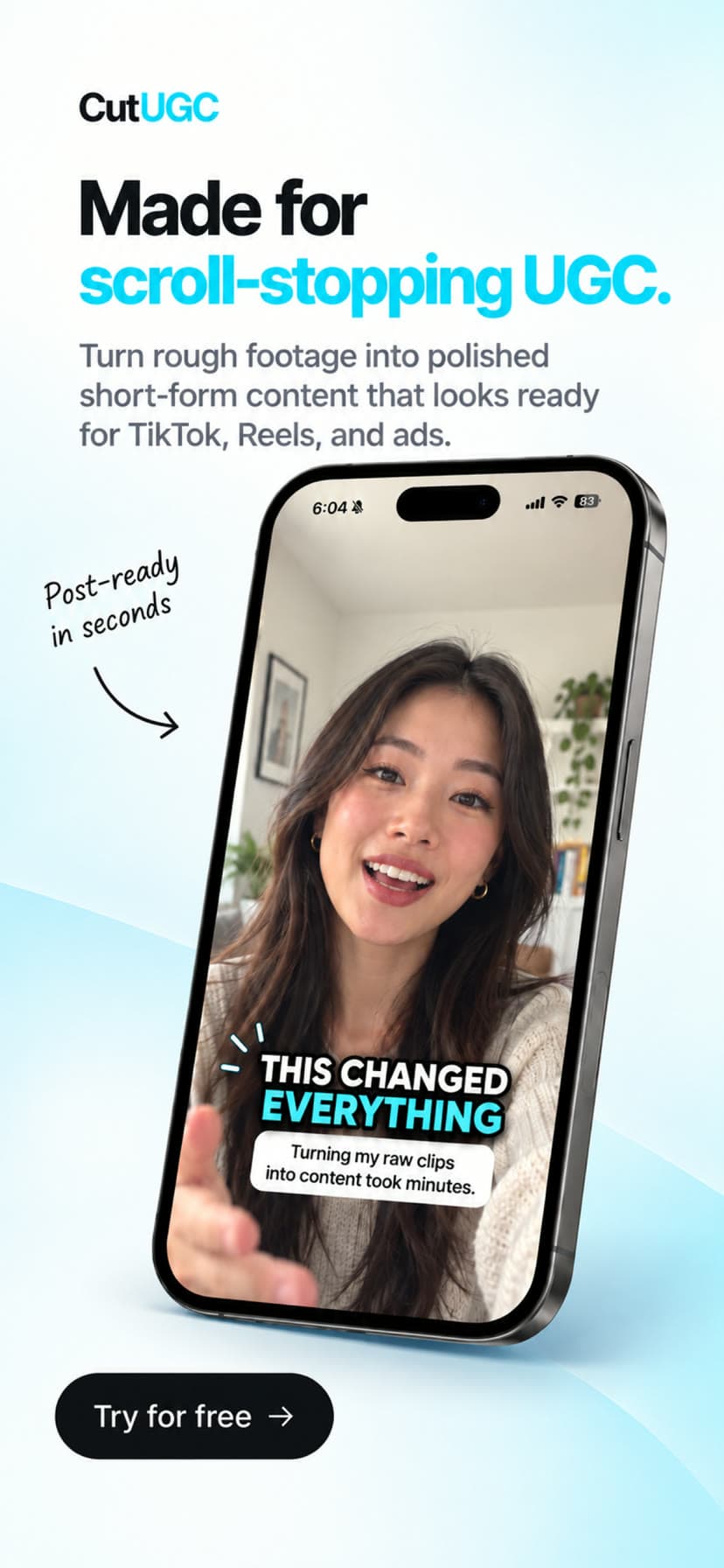
Karaoke-style word highlighting burned into the pixels, positioned and coloured the way UGC actually looks. Switch to clean lines or one big word at a time and re-render in seconds.

Your first cut is free. Export when you love it.

Sign up, upload a clip, and watch the AI cut it. Preview and tweak everything in the editor for nothing. Exporting the MP4 and cutting more videos is one simple plan.

Questions people ask before they upload.

Is any of the video generated by AI?

No. The model never touches pixels. It watches and listens to your clip and returns a JSON edit list in source seconds. ffmpeg trims, crops, zooms, concatenates and burns captions from that list. Your footage is untouched apart from the crop and the captions.

What kind of clip works best?

One person talking to camera, phone or webcam, up to fifteen minutes. Landscape or portrait both work; landscape gets a tracked 9:16 crop. Clips with no speech still get cut and cropped, just without captions.

Can I change what the editor decided?

Every number is editable: segment in and out points, hook text, caption style, punch-ins, callouts. Re-rendering after an edit does not call the model, so it is free and takes seconds. You can also give a new brief and ask for a fresh cut.

What does it cost?

The first cut is free: upload, get the AI edit, preview and adjust it. Exporting the finished MP4, cutting more videos and re-cutting with a new brief need Pro at $29 a month, which includes 40 cuts. Cancel any time.

How long does a cut take?

Transcription and analysis take a few seconds, the decision takes under a minute for a short clip, and rendering a 30 second vertical video takes about five seconds on a laptop.